
Fotografía
¿Qué es la profundidad de campo en la fotografía?
Domina el enfoque y el desenfoque con consejos de expertos para controlar la profundidad de campo tanto en un iPhone como en un teléfono Android
&w=96&q=75)


Fotografía
Domina el enfoque y el desenfoque con consejos de expertos para controlar la profundidad de campo tanto en un iPhone como en un teléfono Android
Esta guía ha sido elaborada por Dan Mold, un autor y fotógrafo premiado que está afincado en Cambridgeshire y tiene más de 13 años de experiencia en fotoperiodismo. Dan también ha actuado como experto en Photoshop certificado por Adobe, así que puedes confiar en sus consejos a la hora de sacar el máximo partido a tus imágenes.
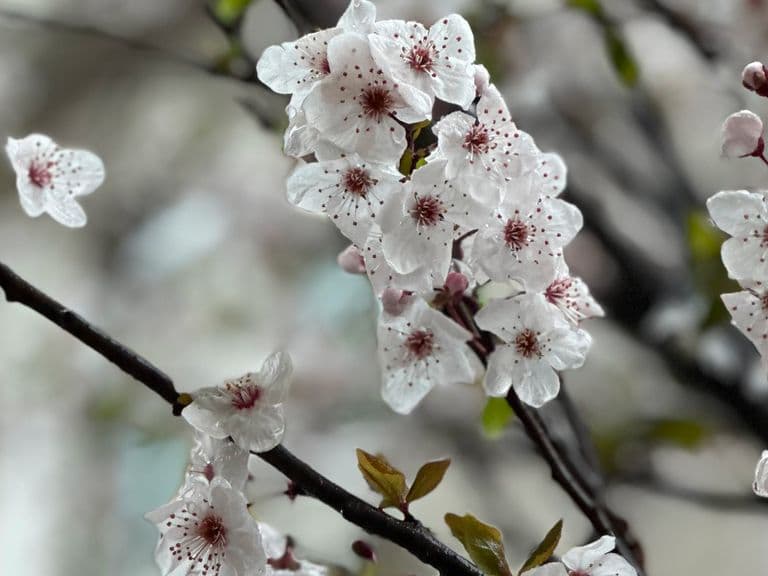
When taking photos, one important concept to understand is depth of field – this refers to how much of your image appears in sharp focus. You’ve probably seen striking, cinematic-style portraits where the subject is crisp but the background melts into an aesthetically pleasing blur. This effect is known as a shallow (or narrow) depth of field, where only a small portion of the scene is sharply focused.
In contrast, a deep depth of field means everything from the foreground to the background appears sharp. While the sharpest point will always be where your active autofocus point is set, the rest of the scene may still appear acceptably sharp.
Several factors influence depth of field, but the two most significant are your camera’s sensor size and the aperture setting of your lens. Let’s take a closer look at how these elements affect your images.
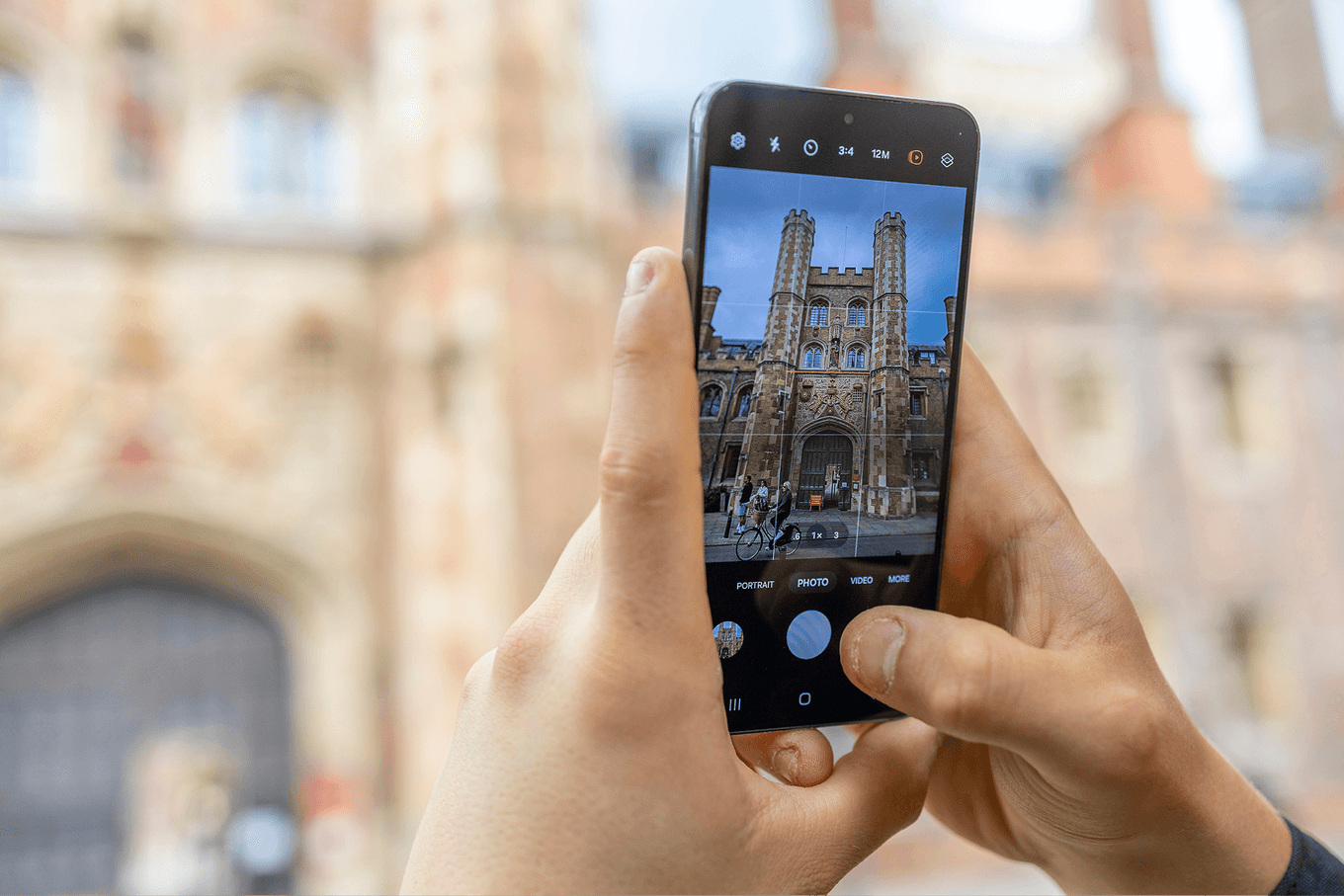
Domina la profundidad de campo para hacer fotos impactantes
The camera sensors used in smartphones vary slightly between manufacturers and across generations. If we take a fairly common 1/1.9” type sensor as an example – found in devices like the iPhone 14, Oppo Find X6 and Xiaomi 13 Ultra – it’s roughly nine times smaller than the APS-C sensors found in many DSLR and mirrorless cameras, and around 20 times smaller than the full-frame sensors used in professional models.
Because of the laws of physics, this smaller sensor footprint makes it more difficult to achieve a shallow depth of field and blurred background effects. However, smartphones have an ace up their sleeves – AI. Powerful AI-based apps are widely available on both iOS and Android and can convincingly blur photo backgrounds at the tap of a button.
It’s also worth noting a growing trend towards larger sensors in some smartphones, with companies like Xiaomi including a sizeable 1”-type sensor in its Xiaomi 15 Ultra – making it easier to create background blur through optics rather than software.
The good news is that a smaller sensor’s naturally deeper depth of field can actually work in your favour. It means your images are more likely to be pin-sharp from front to back – ideal for landscapes or group shots, where it’s crucial to keep everything in focus.
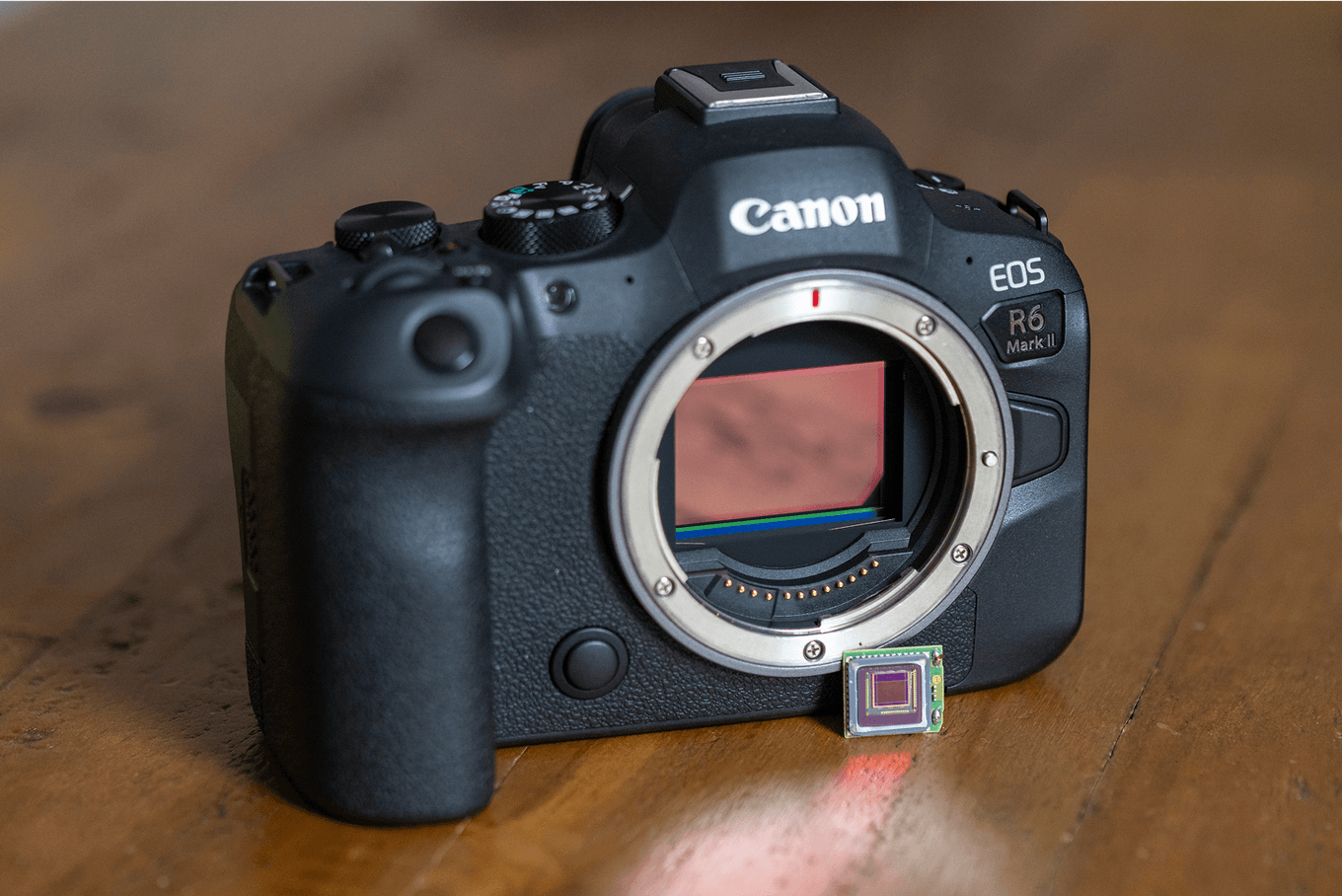
Una de las ventajas de las cámaras profesionales es que puedes cambiar de objetivos para usar lentes de máxima apertura
Another key factor that affects depth of field is the lens aperture. This is the opening inside your lens, typically made up of a series of blades that open and close to control how much light passes through. Aperture works in tandem with shutter speed and ISO – the three core elements of the exposure triangle. Together, these settings determine how bright or dark your image is. They can also be adjusted creatively to produce deliberately over- or under-exposed photos.
One advantage of professional DSLR and mirrorless cameras is the ability to swap lenses with wide maximum apertures, giving photographers greater control over depth of field. However, carrying large, heavy gear isn’t always practical – and sometimes you simply don’t have it with you. As the saying goes, “The best camera is the one you have with you,” which, for most of us, means a smartphone.
The good news is that today’s smartphones offer remarkably high image quality. By understanding how depth of field works on your phone, you can take stunning, creative photos with a lightweight and convenient setup – no bulky camera required.
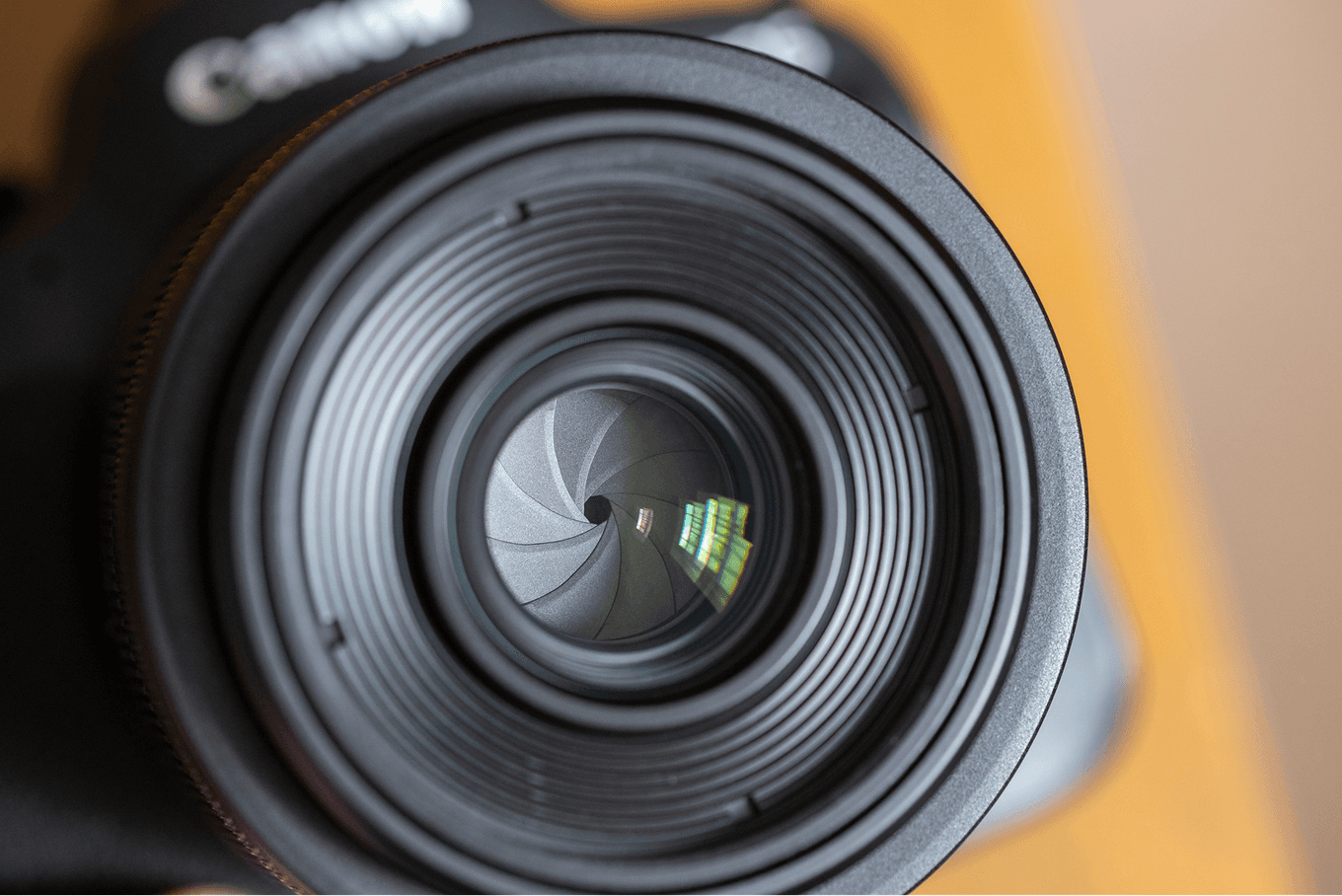
Controla la luz para crear cualquier atmósfera

Apertura reducida, de Dan Mold

Apertura amplia, de Dan Mold
Without diving into apps that artificially blur the background to mimic a shallow depth of field, there are still several things you can do on the phone’s in-built camera to increase your chances of achieving that effect – even when working with small smartphone sensors, which can make it more challenging.
First, shallow depth of field is much easier to achieve when you're shooting close to your subject. So, get as near as your phone allows – and if you’re photographing a small object, try using Macro mode.
Next, increase the distance between your subject and the background. This often means adjusting your shooting angle. For example, if you’re photographing someone sitting on the ground from standing height, the background (like grass) will be close to them, reducing the chance of blur. Instead, get down to eye level. This pushes the background further away and makes it easier to create that soft blur. It’s also worth asking your subject to take a few steps away from a wall or backdrop to increase separation.
Zoom – or more specifically, focal length – also plays a role in depth of field. But this only applies to optical zoom, which uses physical lens elements to magnify the scene. Digital zoom simply crops the image and won’t affect depth of field. If your smartphone has an optical zoom lens, using it can help blur the background. You may just need to step back slightly to keep your subject fully in frame.
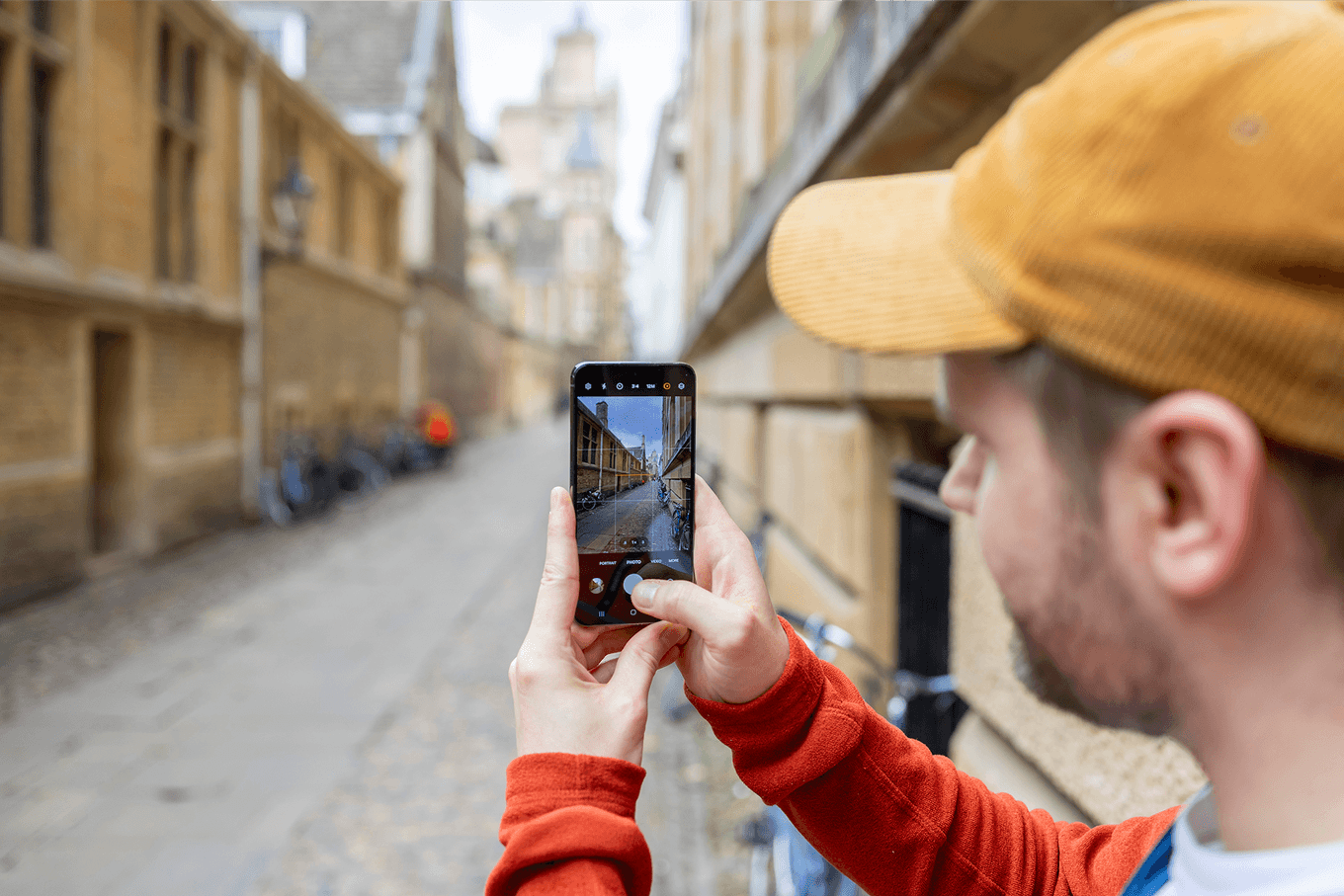
Haz fotos al nivel ocular para alejar el fondo y facilitar el desenfoque suave

Dispara a tu sujeto de cerca para lograr una profundidad de campo reducida
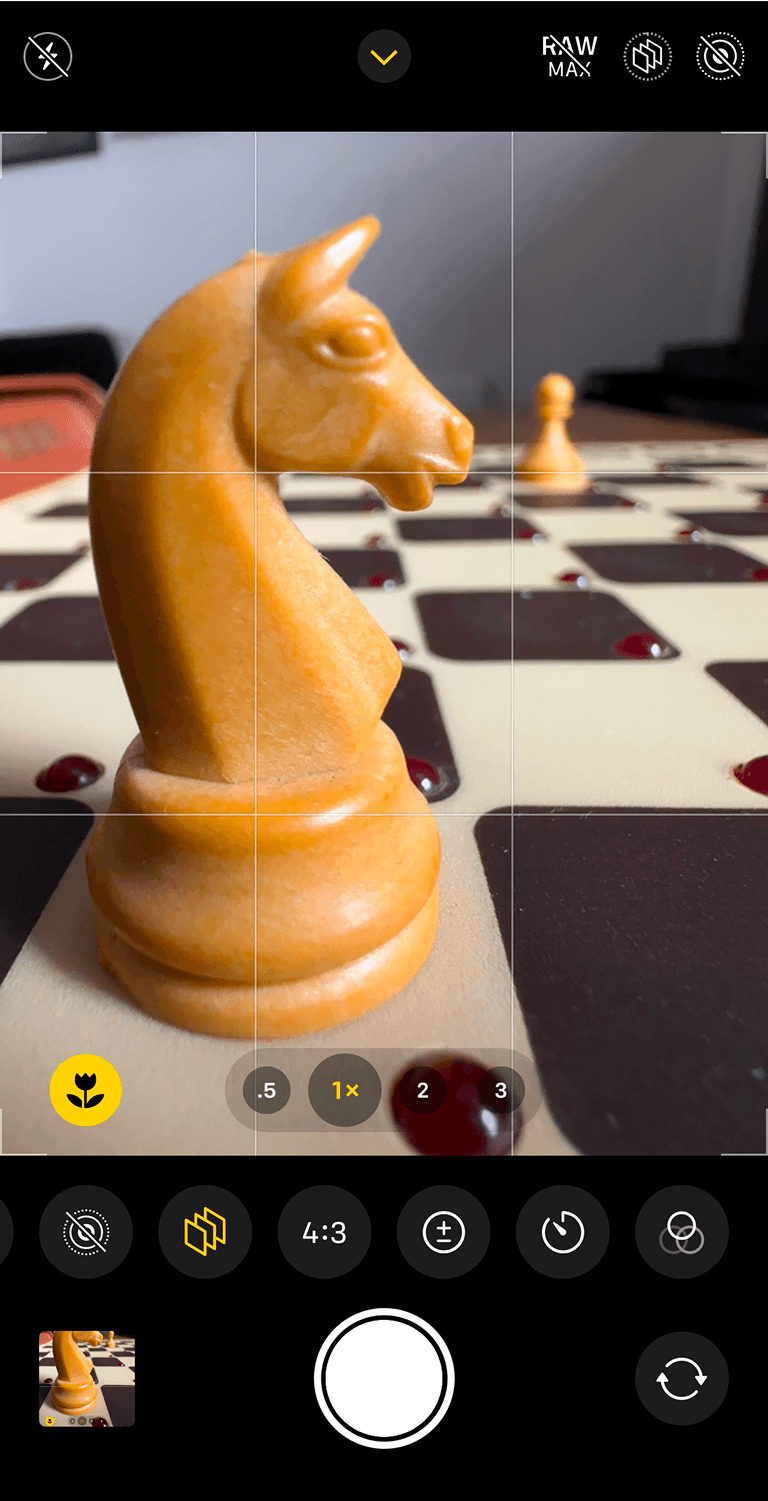
Aumenta la distancia entre el sujeto y el fondo
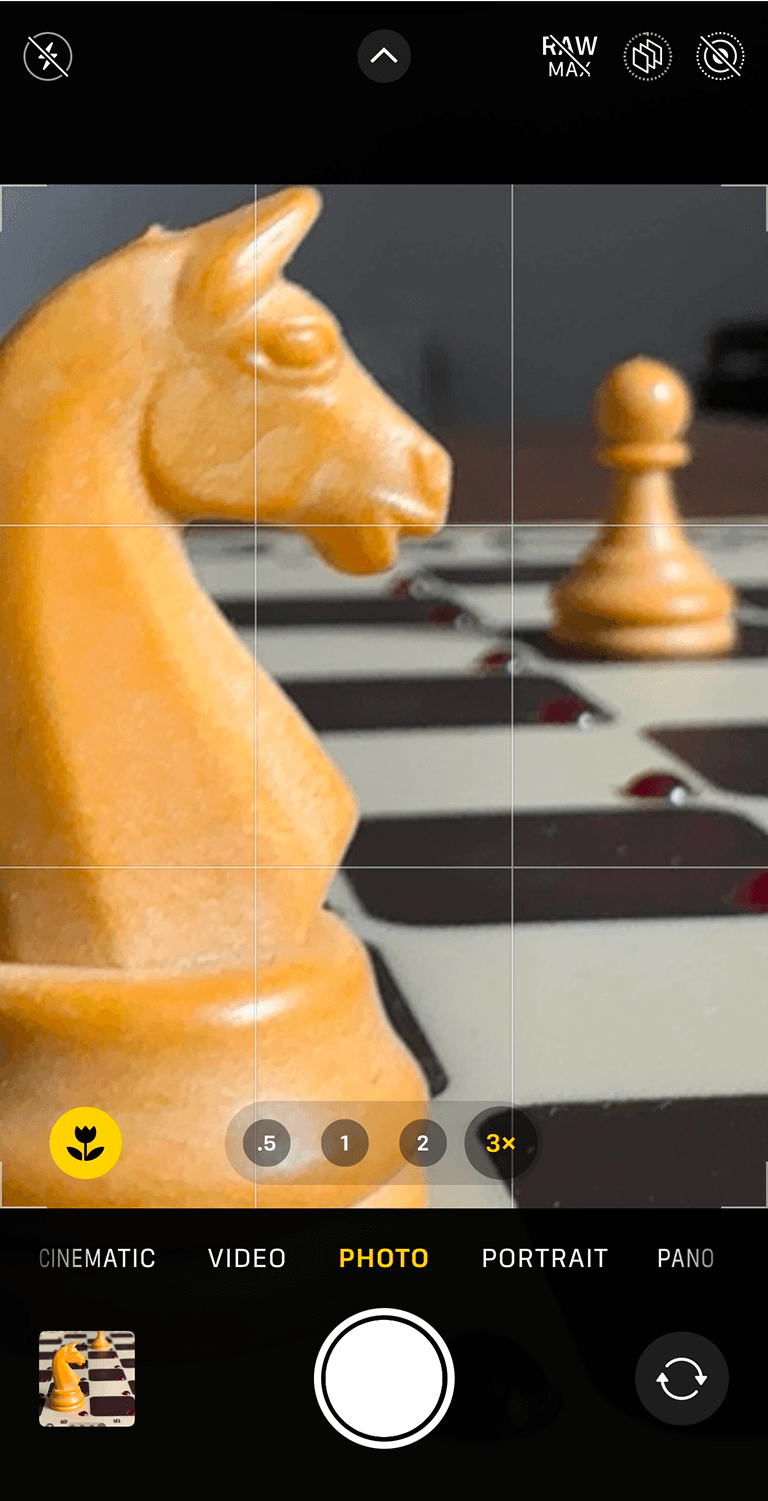
Desenfoca el fondo con un objetivo de zoom óptico
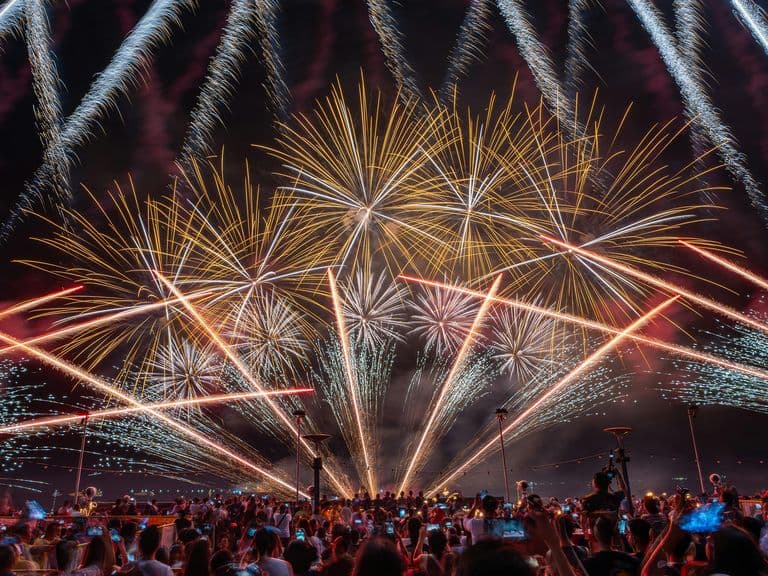
Bokeh – the Japanese word pronounced “bok-ay”, describes the quality of out-of-focus highlights in a scene. This is usually done by shooting with a wide aperture, closer to the subject or zooming in to exaggerate the background blur.
Carefully considering the background behind your subject is also important as including neon signs, string lights or even light reflecting off leaves will add up to more impressive-looking bokeh in your photos, which helps separate your subject from the background and makes them look more cinematic and professional. If you’re working on a small scale you could even add your own lights to the background of your scene to turn into beautiful bokeh balls.

Separa tu sujeto del fondo con un enfoque bokeh
Why not check out “How to use depth effect on your Android devices” and “How to use depth effect on your iOS devices”.
&w=96&q=75)


 Estados Unidos