How to ‘see’ in black and white
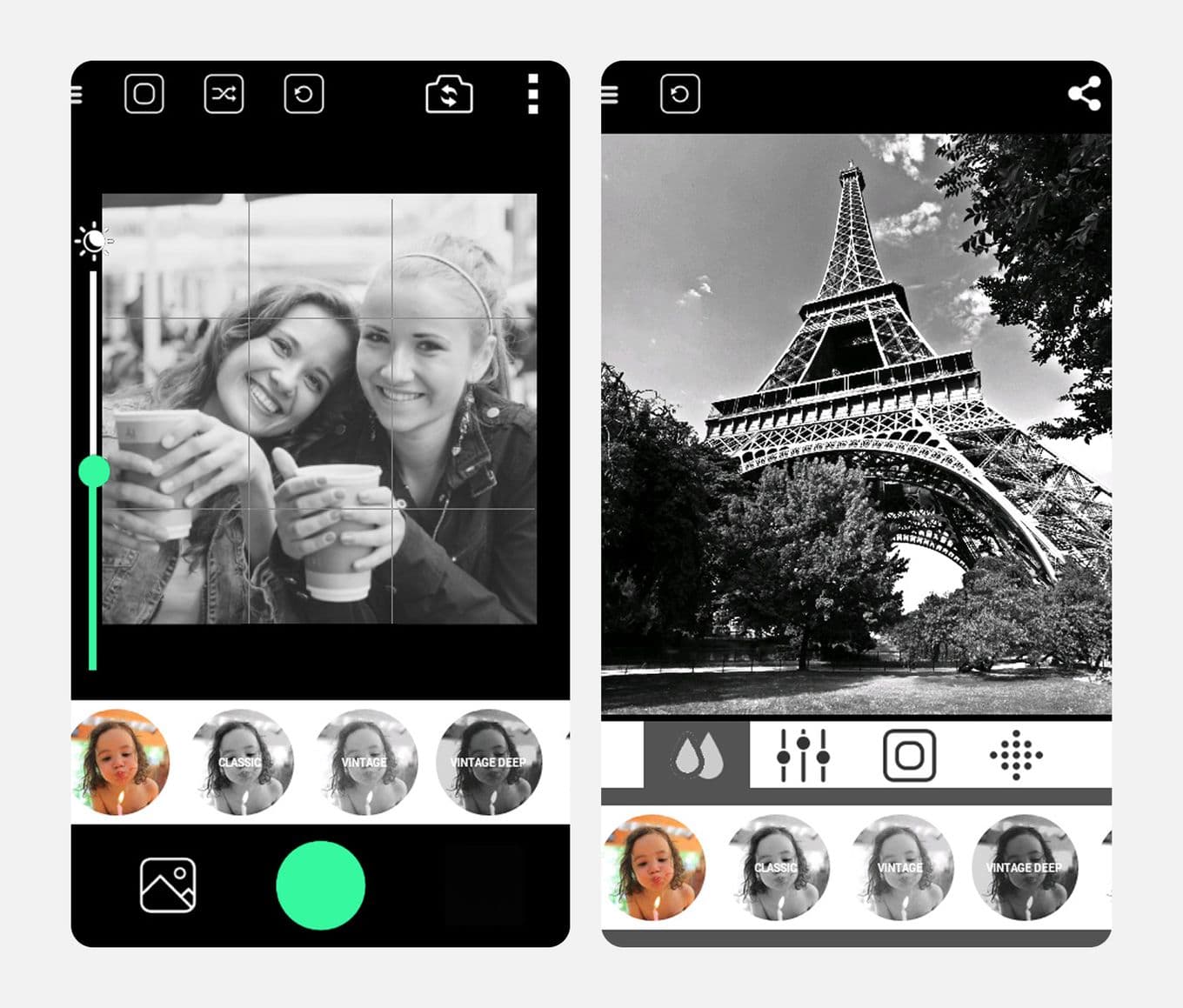
If your device lets you preview your scene in monochrome, this can greatly improve your B&W compositions. Removing colour helps you focus purely on tonal contrast – black, white and everything in between.
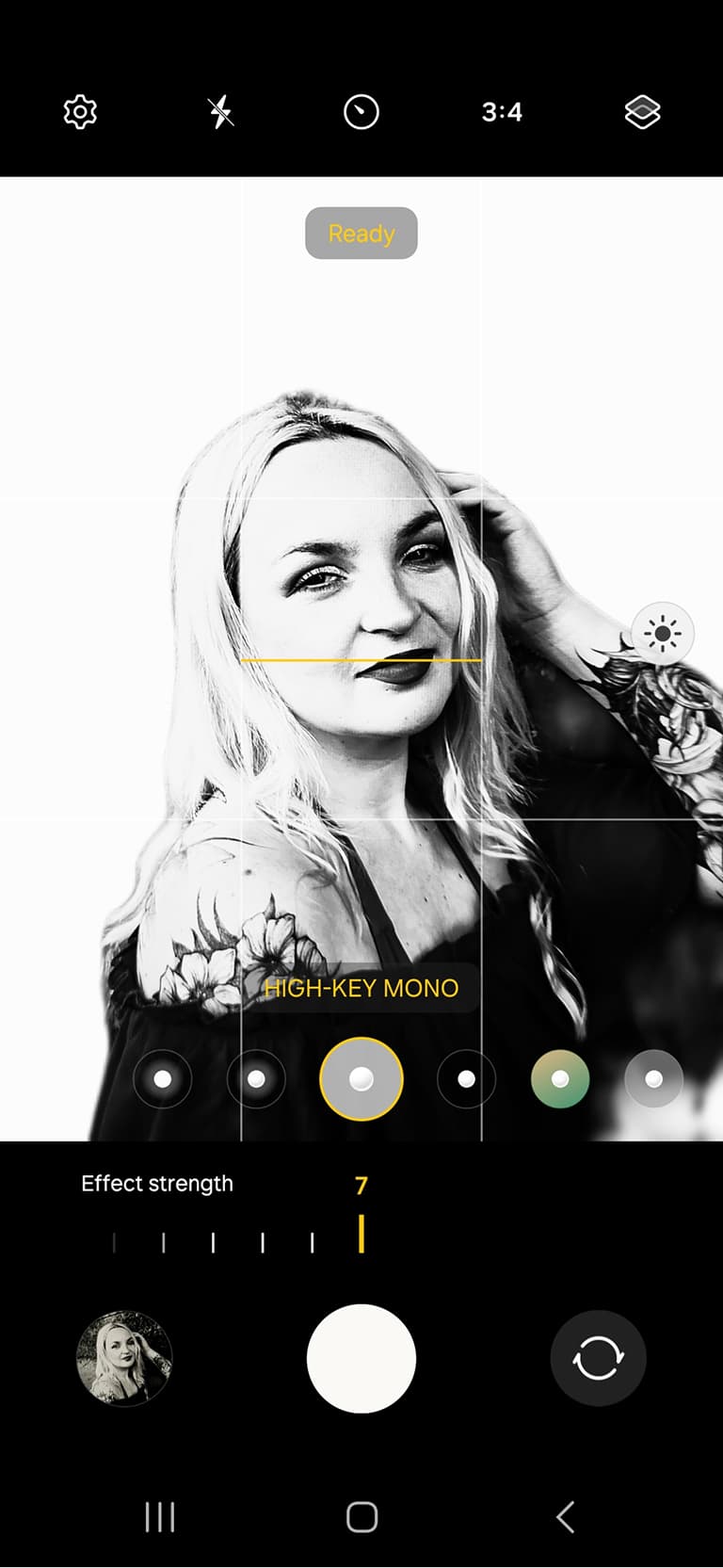
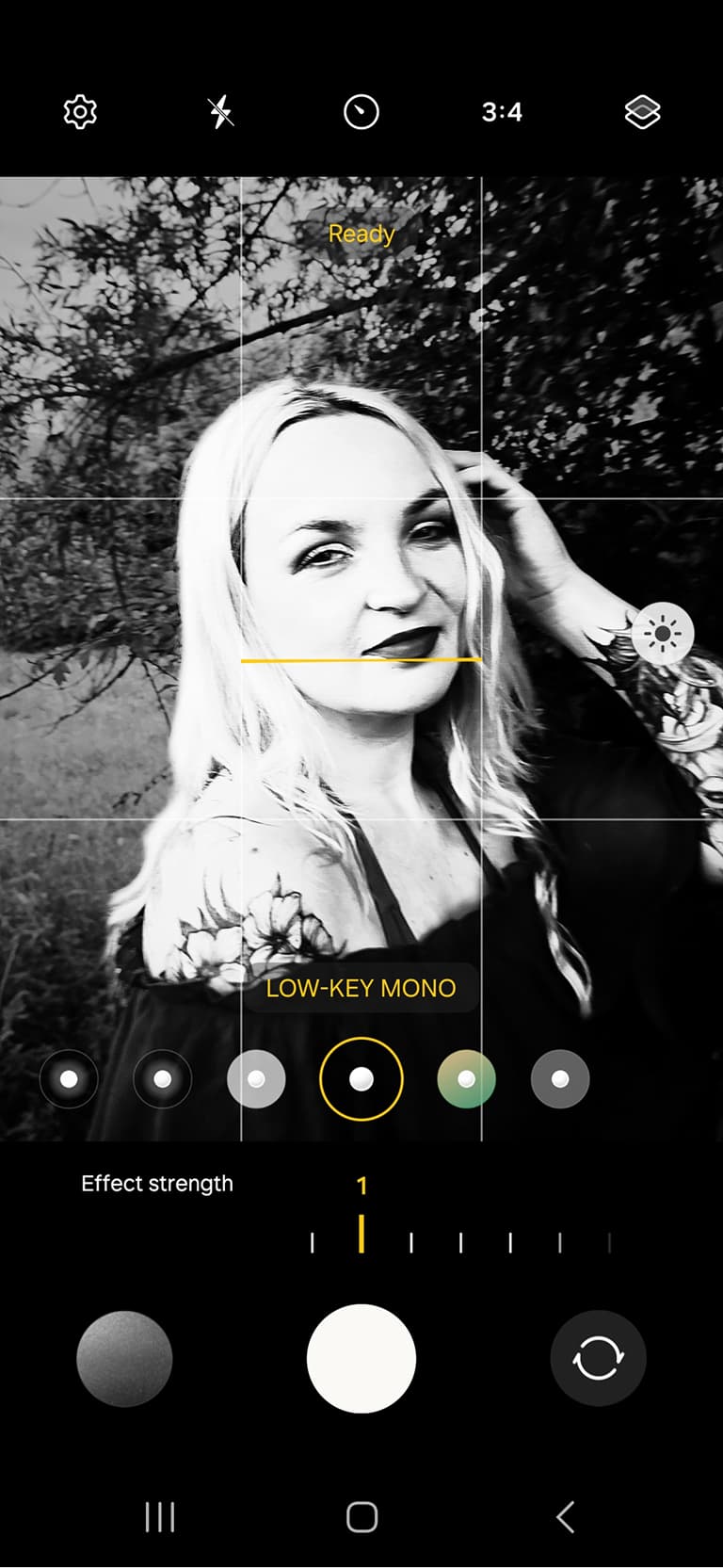
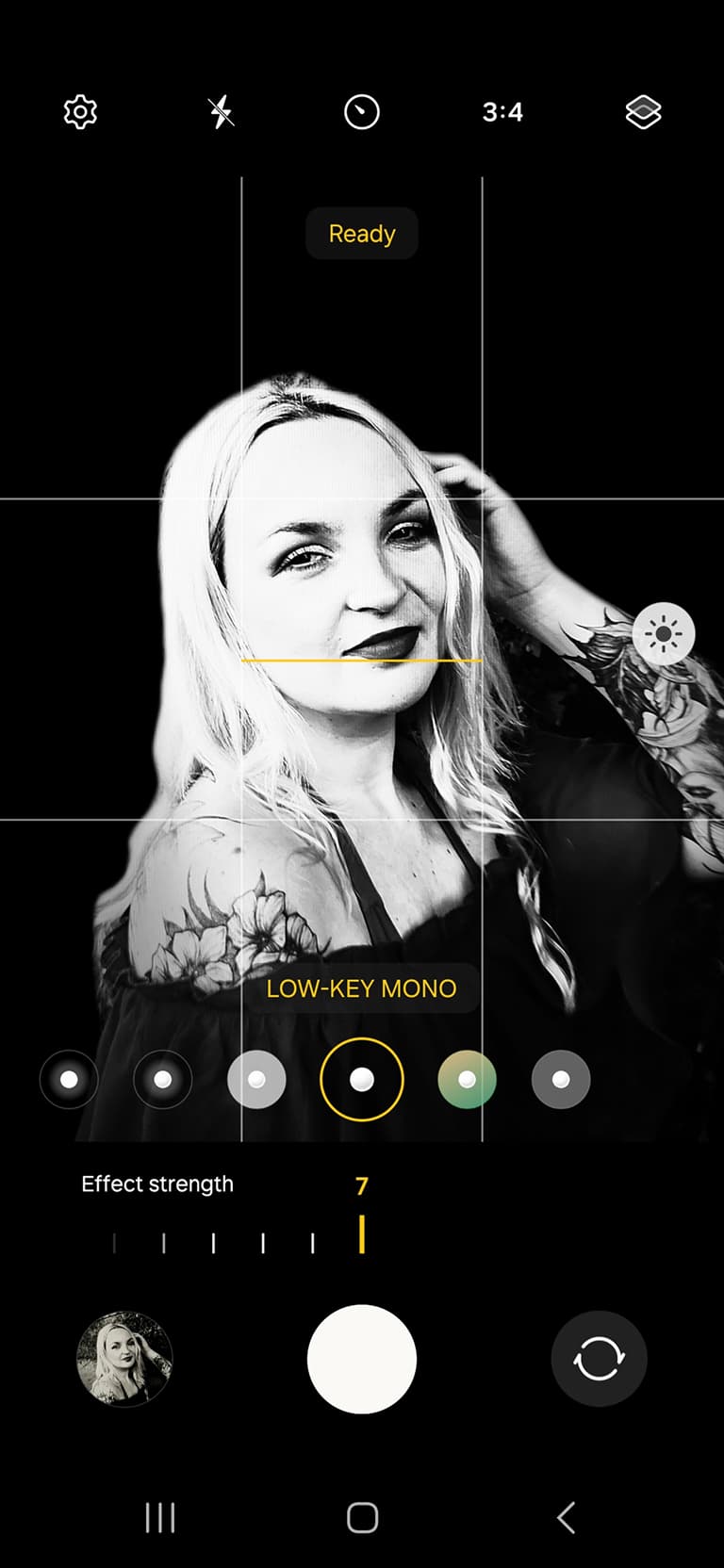
A low-key black and white look emphasises midtones and results in flatter contrast, while a high-key look pushes contrast to the extreme, often reducing the image to stark blacks and whites with minimal midtones for a striking, graphic aesthetic.
The Samsung Galaxy S23 offers both High-Key and Low-Key options in its B&W Portrait mode. You can also tweak the Contrast slider manually to refine the effect.
Embrace minimalism
Black and white photography is all about stripping back distractions. Try composing with a single, strong focal point for a clean, minimal look. Alternatively, use the rule of odds: having an odd number of elements (like 1, 3 or 5 trees) tends to create more balanced compositions than even numbers. That said, symmetry with just two subjects can also work beautifully – rules are meant to be broken.
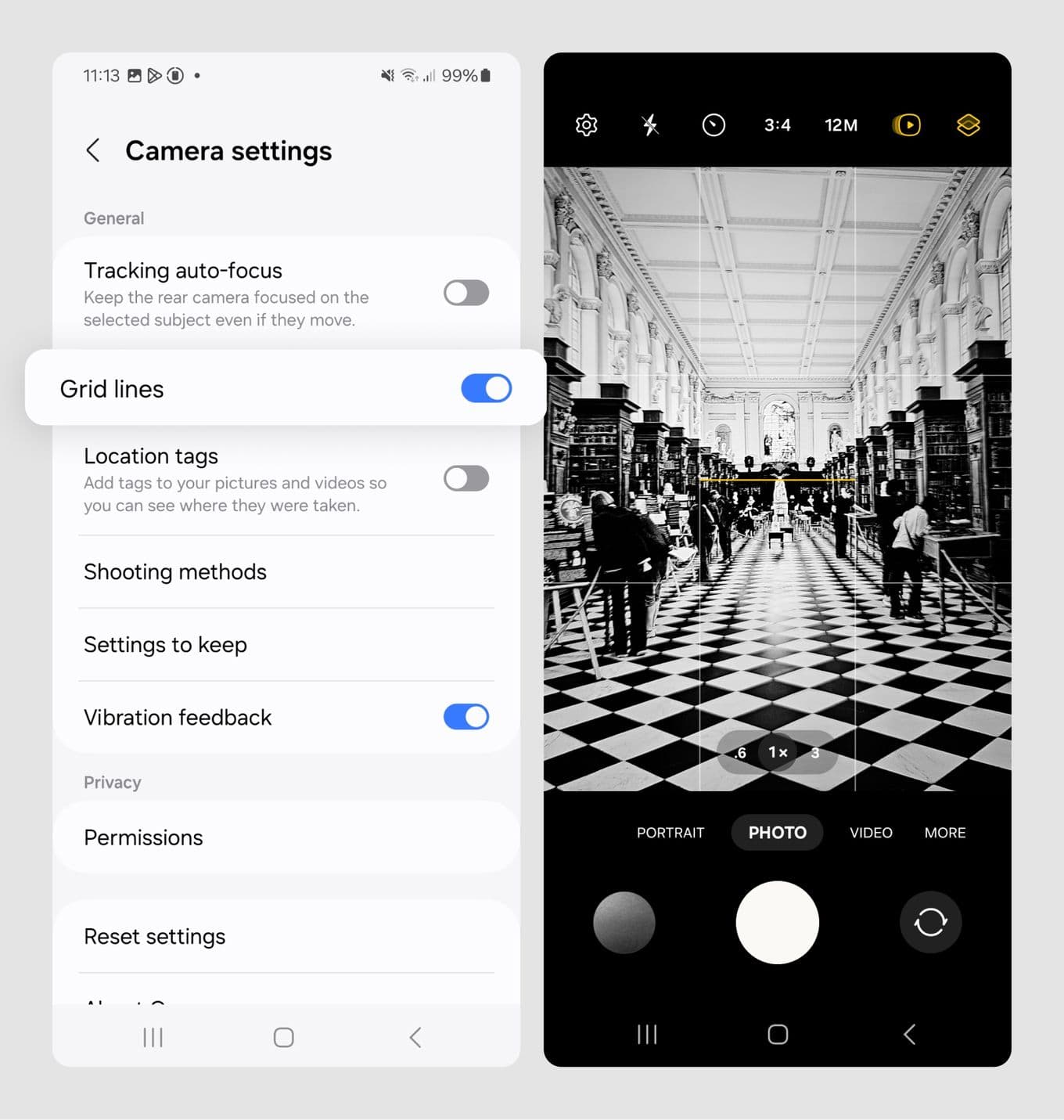
Since black and white images often rely on strong shapes and contrast, it’s helpful to turn on the rule of thirds grid. On the Galaxy S23, this can be done by tapping the settings cog, scrolling to Grid Lines and turning it on. This overlays a 3x3 grid to help you line up horizons or verticals precisely.
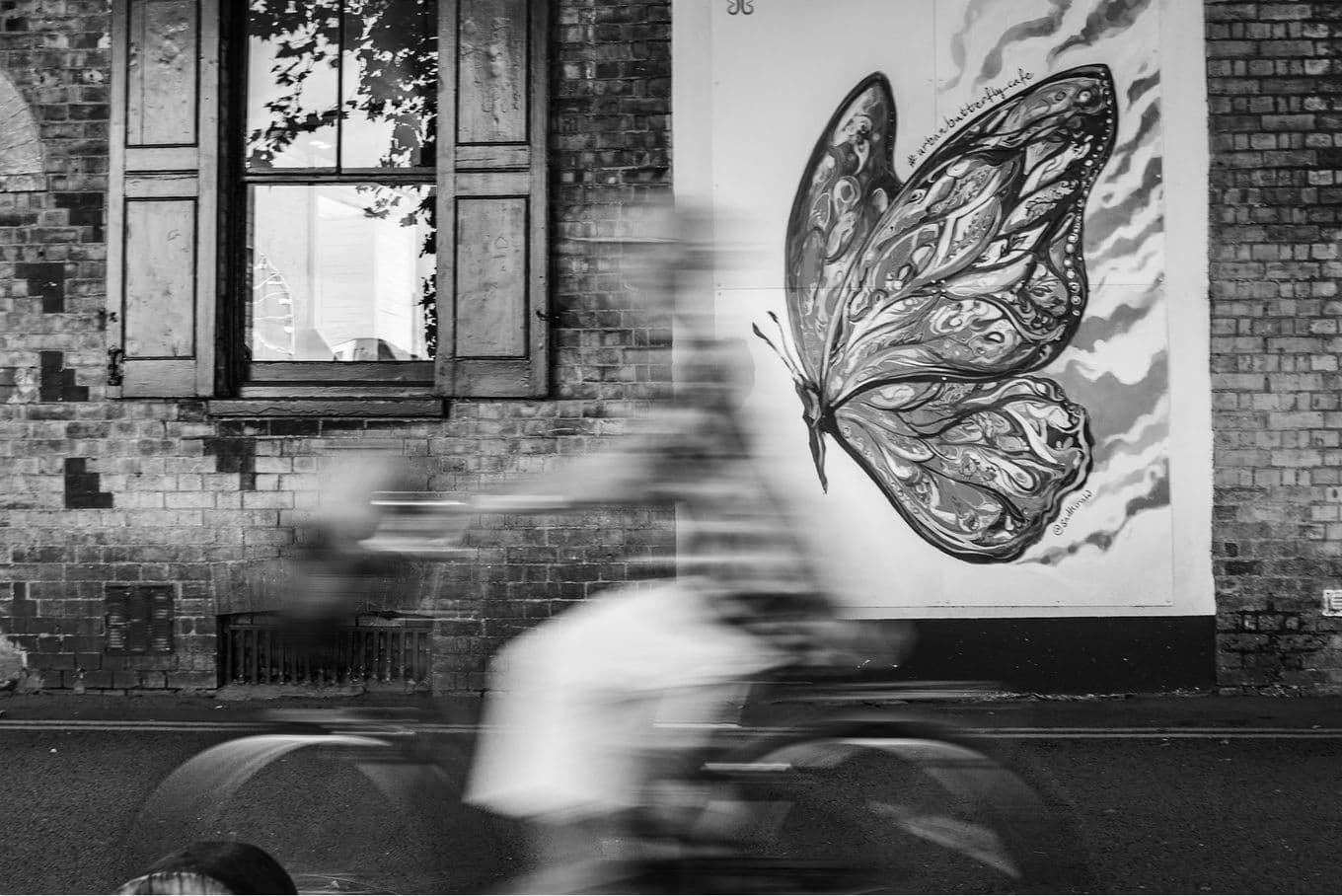
Don’t forget about leading lines – things like railings, fences or paths – that naturally guide the viewer’s eye through the scene. In black and white, these lines can be even more prominent, especially when bright tones contrast against a dark background.

&w=96&q=75)







&w=96&q=75)


 Stati Uniti